Your editors manage custom templates
Editors manage custom templates without going through an admin. Tables also keep their column widths when exported.
Update your templates without waiting for an admin. Editors can create, edit and delete the organisation's custom templates. Managing templates gets smoother in organisations that have this feature.
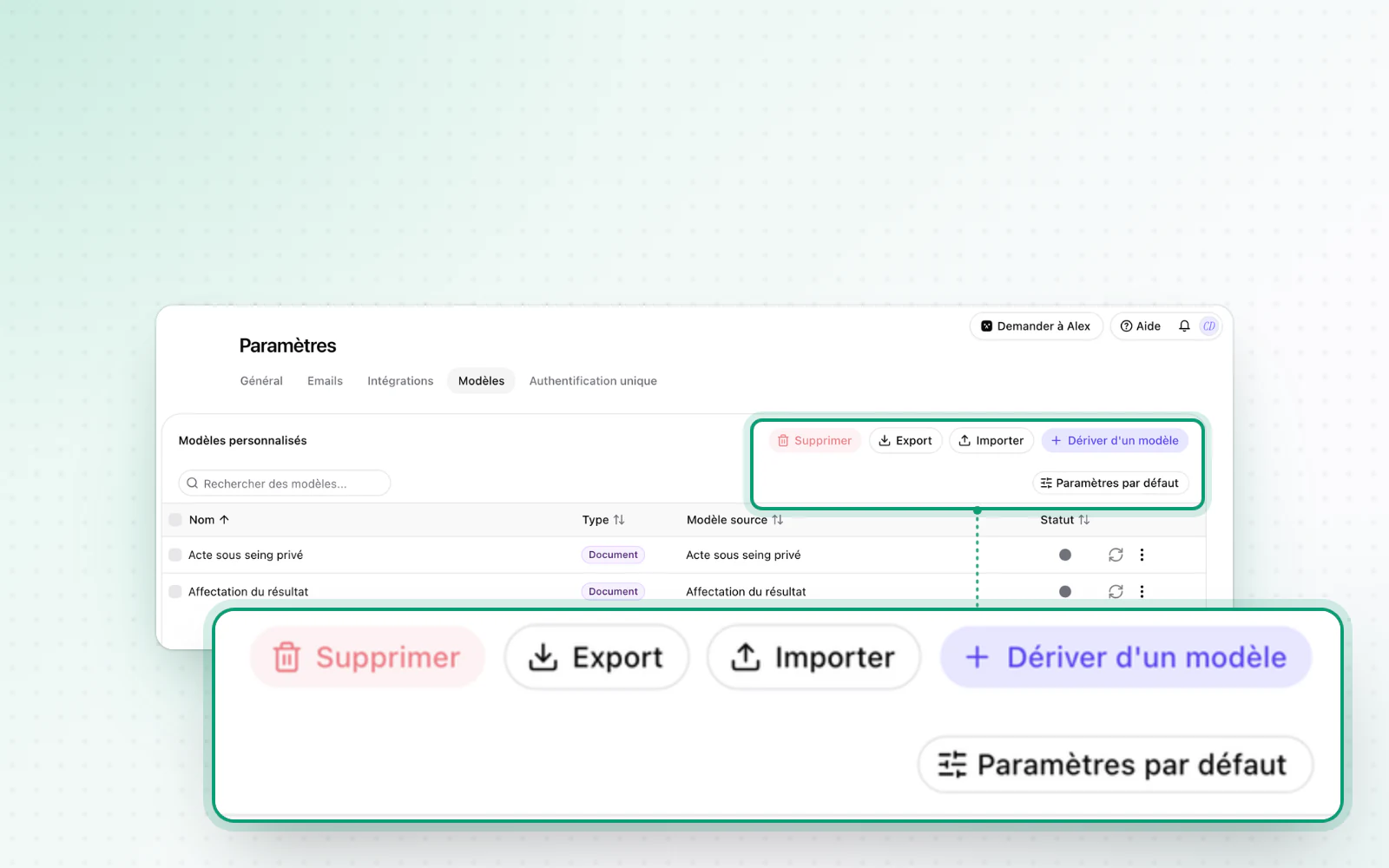
Highlight
Tables that keep their layout
Your tables export just as you laid them out. In the Operations module, the column widths you set in a table are kept. They come out exactly the same in PDF and Word exports.
All changes
The full list for this release, fixes included. Only changes our customers can see are listed.
New
- Templates and draftingCustom templates, managed by your editors
- Templates and draftingTables that keep their layout
Improved
- Company creationA corporate partner's representative now only needs a first name, last name and email.
- OperationsError messages and loading states are clearer when an action fails or takes time.
Fixed
- Templates and draftingDraft generation is more reliable and handles empty paragraphs better.