Your organisation's font in every document
Your organisation picks one font for all its templates. Folders can also be dropped at the root of Documents.
One font for all your generated documents. An organisation with custom templates can set its default font. New templates use it, Alex offers to update existing ones, and the font is applied to every generated document.
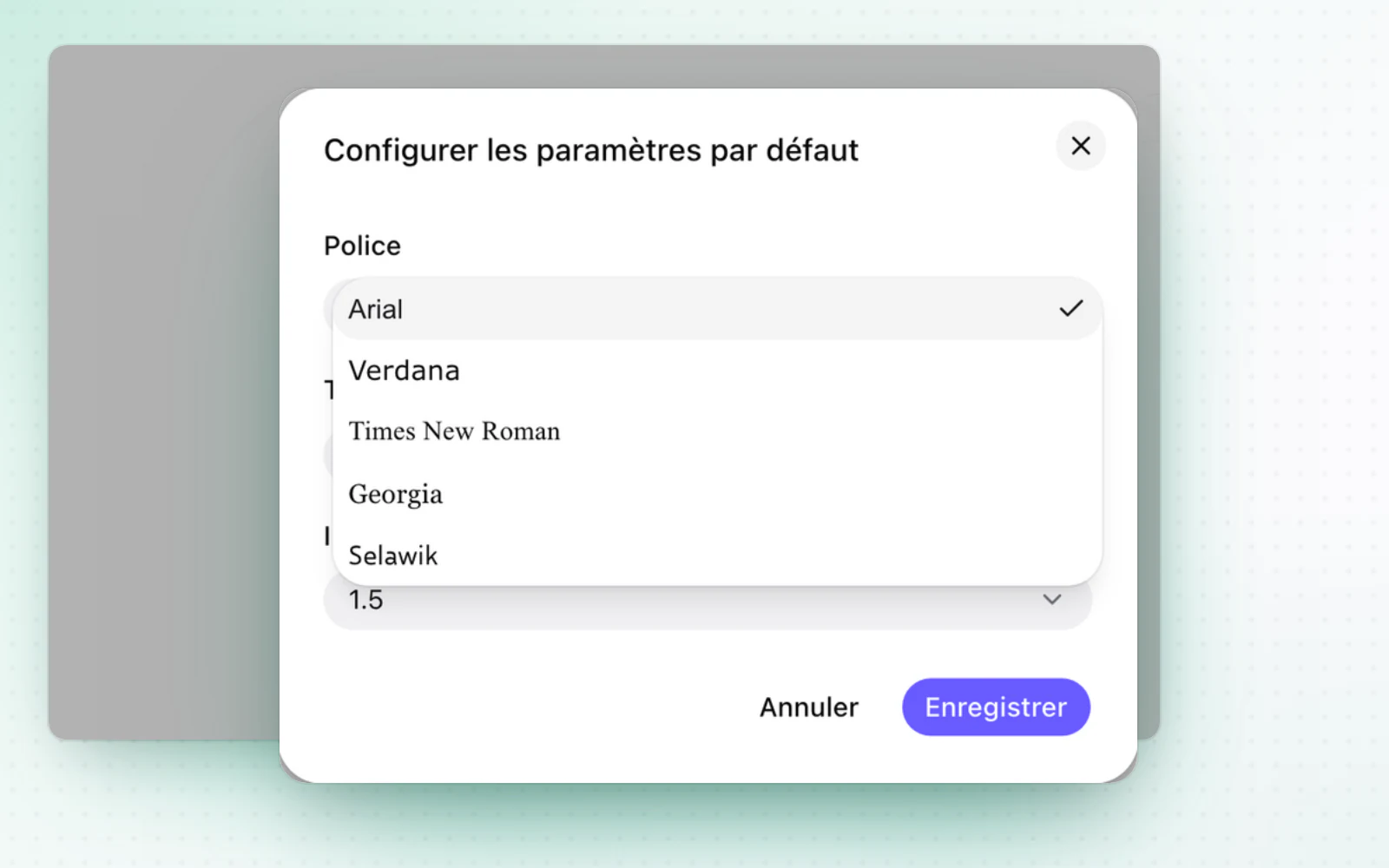
Highlight
Your folders, dropped at the root
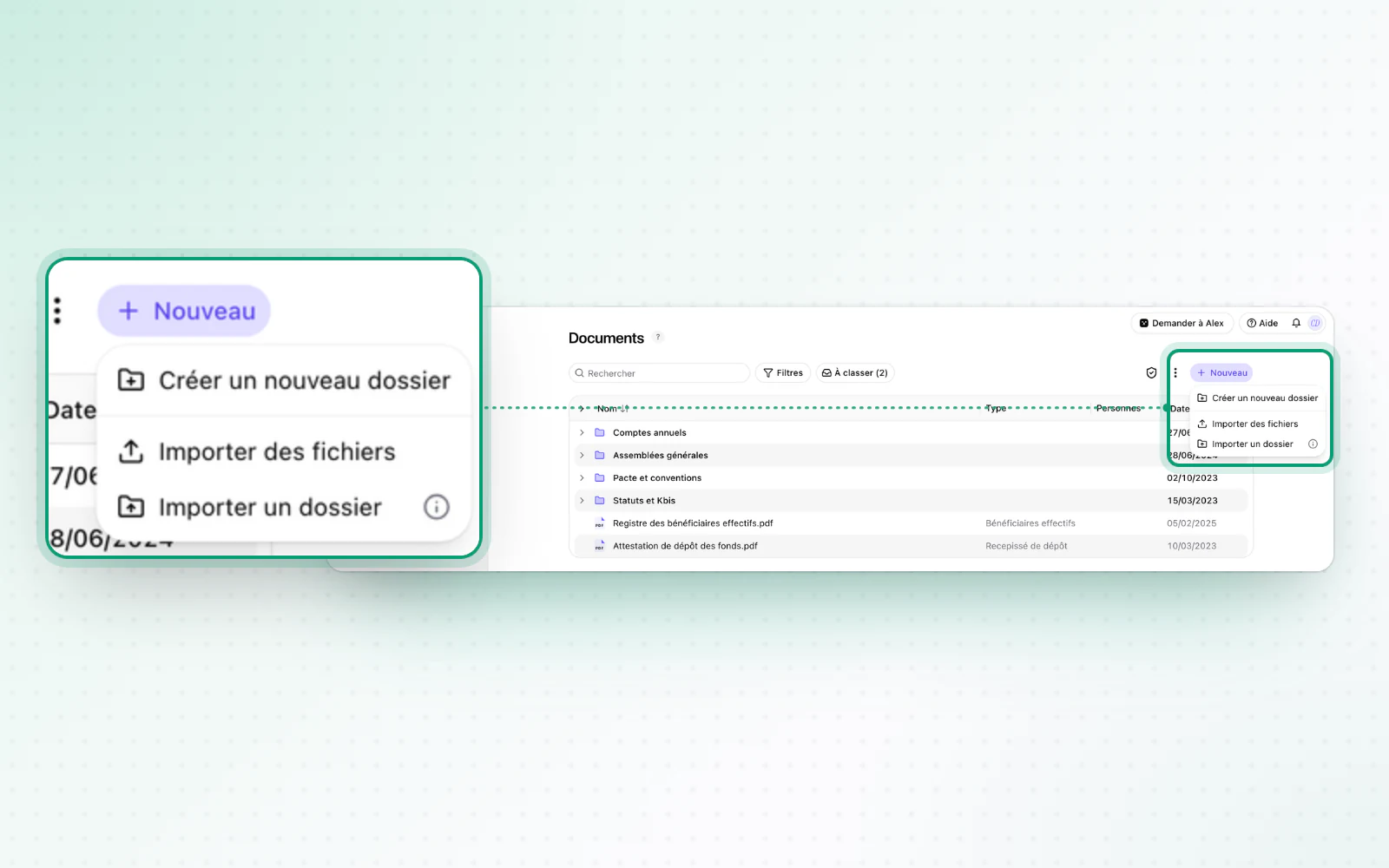
Import a whole folder tree in one move. In Documents, drag and drop whole folders straight into the root, with their folder structure kept.
All changes
The full list for this release. Only changes our customers can see are listed.
New
- Templates and draftingYour organisation's font, in every document
- DocumentsYour folders, dropped at the root
Improved
- OperationsBefore you complete an operation, a confirmation explains what will happen.
- OperationsStatutory auditors can be added to a notice's recipients.