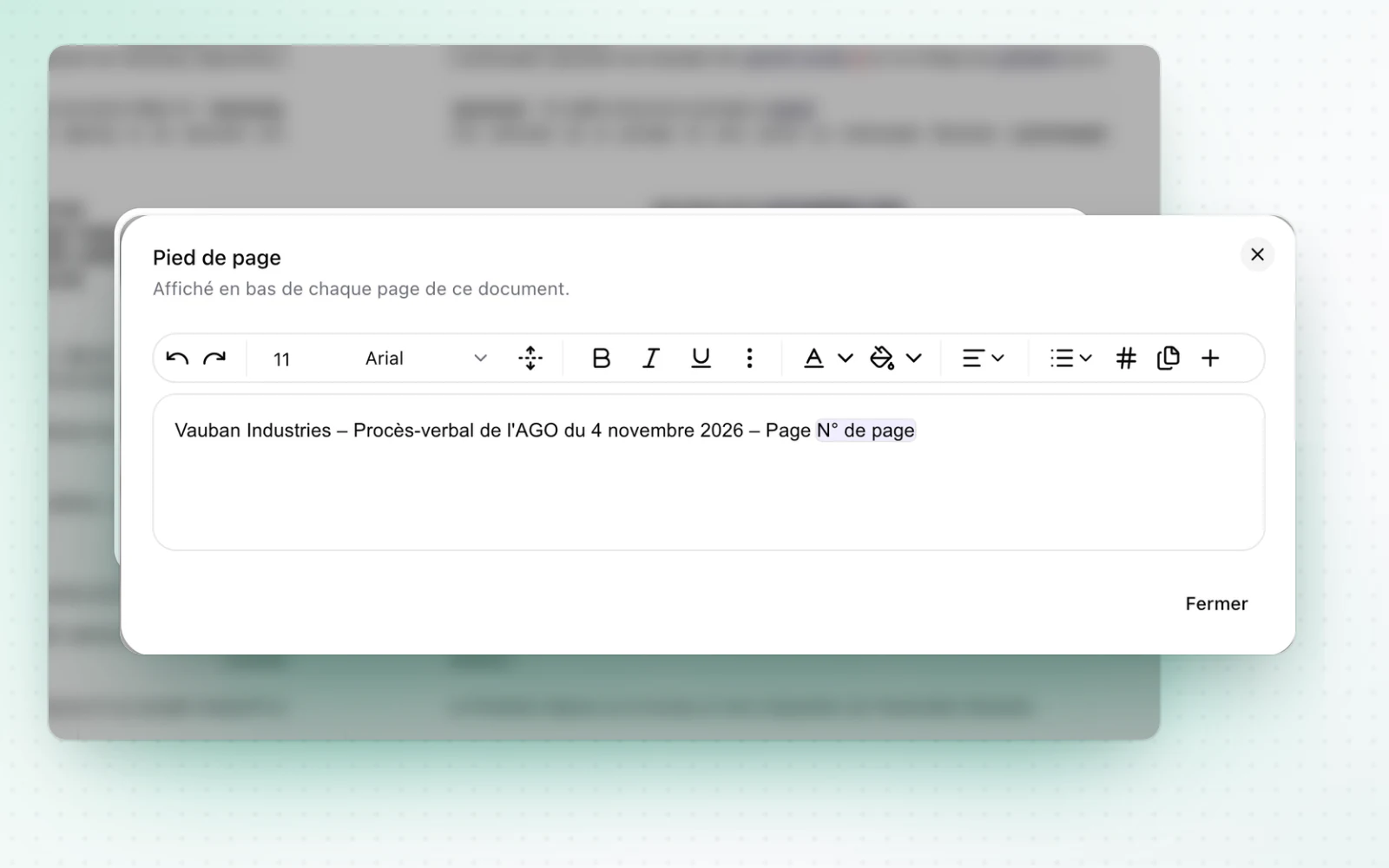
A numbered footer for your documents
Your templates and drafts gain a numbered footer. A Membership share type is also added for member organisations.
Number the pages of your documents. Add a footer with the page number to your templates and drafts. It prints on every page of the PDF and DOCX, just as in the preview.
All changes
The full list for this release. Only changes our customers can see are listed.
New
- Templates and draftingA numbered footer
Improved
- CapitalA new Membership share type serves member organisations with no share capital.
- People and mandatesCommittees get Active, Inactive and All tabs, as officers do.
- BillingThe required name now leads the billing profile form and is prefilled.