Schedule your signature requests
Schedule a DocuSign request for a later date. You also get notified when an operation is complete, and your companies and users export to Excel or PDF.
Send for signature at the right time. Schedule a DocuSign request for a later date, for instance to wait for the date of the minutes. If it no longer needs to wait, just clear the scheduled date.

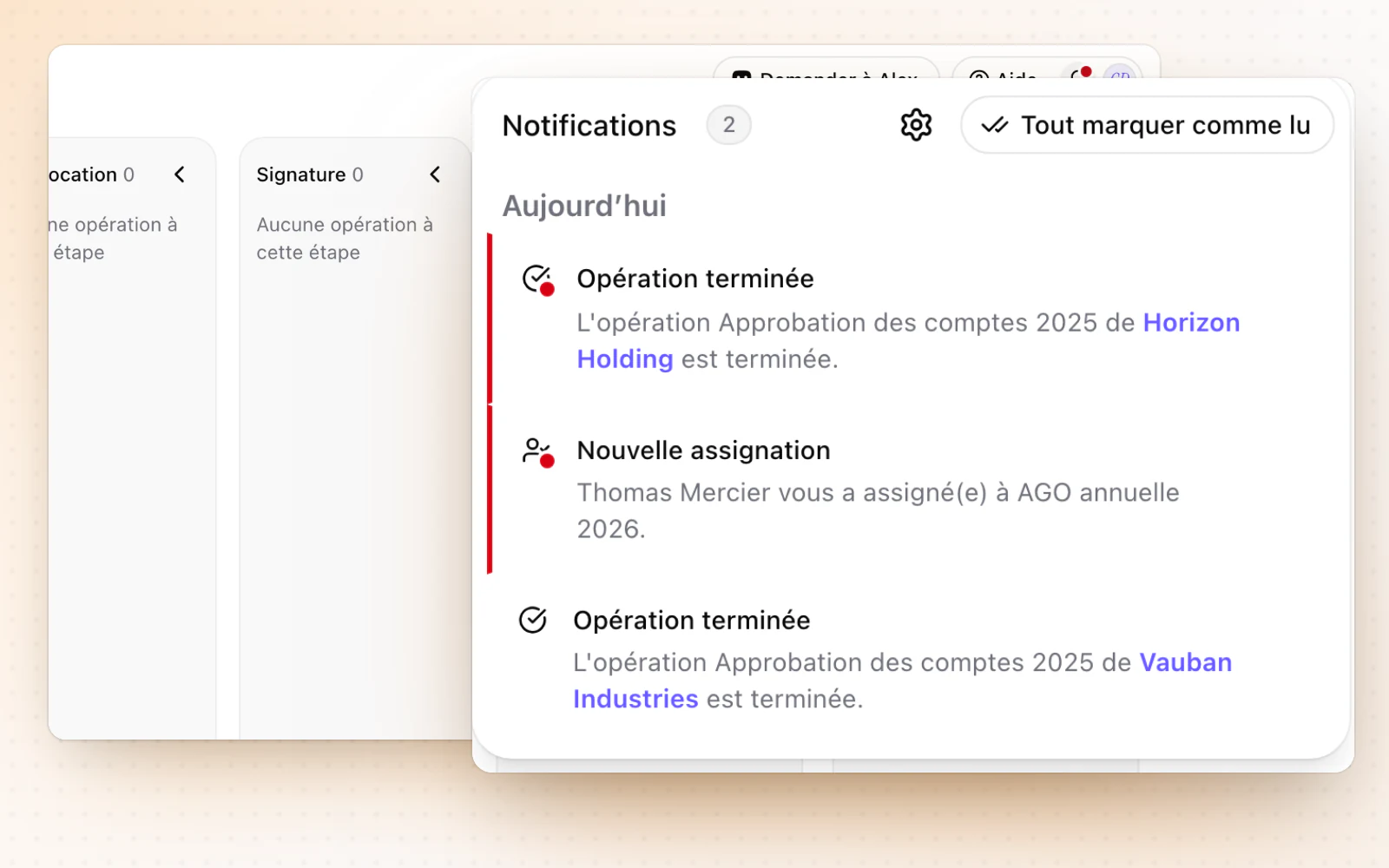
A notification when an operation is complete
Know right away when an operation is complete. When it is marked complete, a notification in Alex tells you, with a direct link to the operation. It goes first to the person who created the operation and to its assignee.
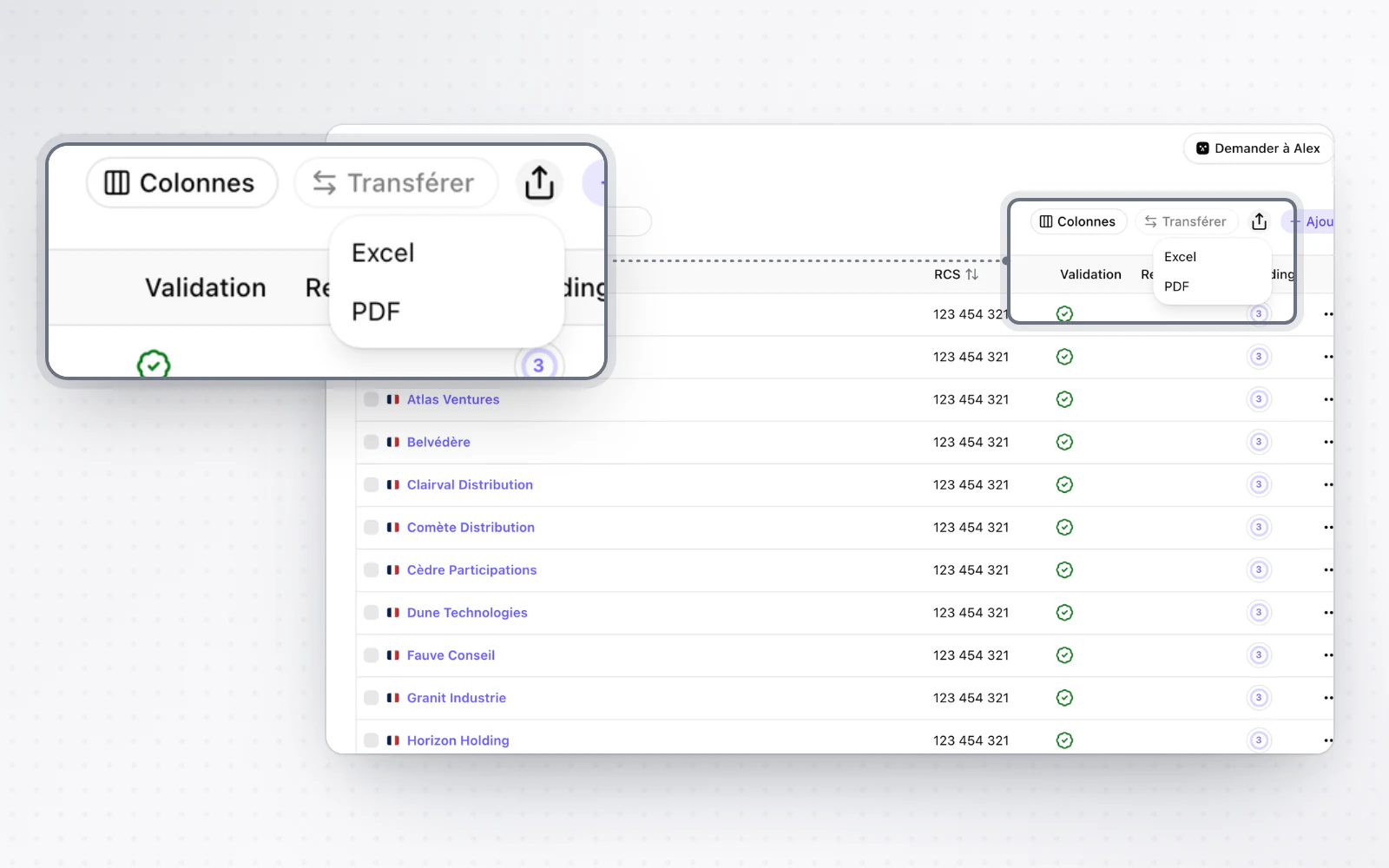
Export your companies and users
Share or file your lists as they are. Export the list of companies and users in your groups to Excel or PDF.
All changes
The full list for this release. Only changes our customers can see are listed.
New
- E-signatureSchedule your signature requests
- OperationsA notification when an operation is complete
- Organisation and accessExport your companies and users
Improved
- CompaniesWhen your plan's company limit is reached, the message fits your role.
- Templates and draftingYour snippets, blocks of content, can be reused in your templates and clauses.
- Templates and draftingAlex warns you before re-running a step that would overwrite your manual edits.
- CapitalShare class colours are steadier and easier to tell apart.
- People and mandatesSuggested roles take the company's legal form into account.
- E-signatureReminders and new links show their progress for each participant.
- Interface and navigationYour avatar can be personalised with initials and a colour.