June and July 2024: a summary before you create your company
A summary covers your whole company creation before you submit it. The company page gets richer too.
Review it all at a glance before you submit. A summary lists everything you entered while setting up your company, and a click on any section takes you back to fix it. Once the file is submitted, a confirmation email brings you the same summary as a PDF.

A fuller company page
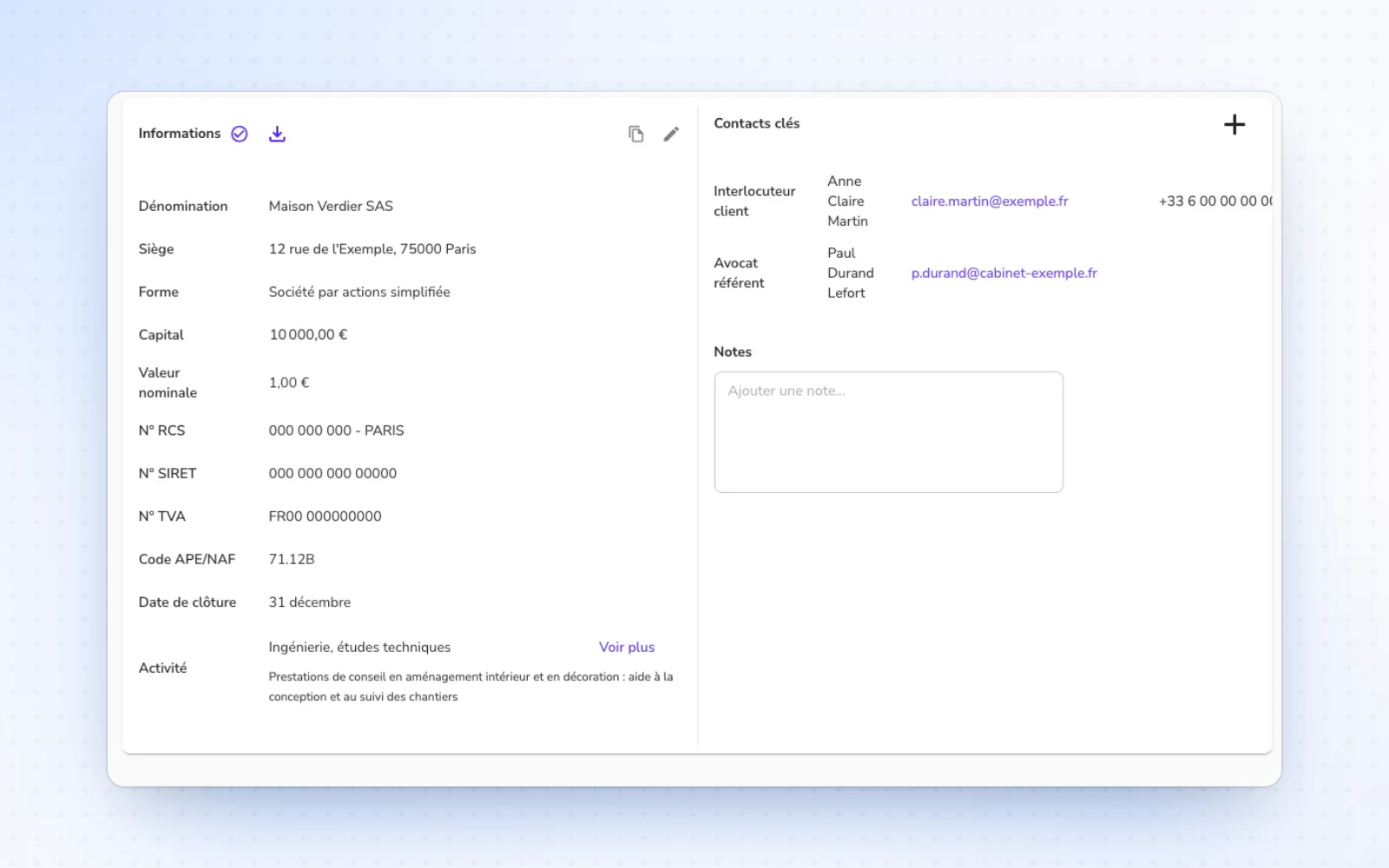
Find what matters about your company in one place. Its page shows its business activity and the history of its establishments, and its profile downloads in one click. You can also copy its party details in one click once its address and officers are set.
Select a range of movements
Save time on long runs of movements. In the share register, tick one movement, then hold Shift and tick another further down to select the whole range. Delete dozens of lines in one go.